To adjust the brightness, contrast, and saturation settings, follow these steps.
1. Start playing a video on your R_volution player.
2. Press the MENU button on the remote control.
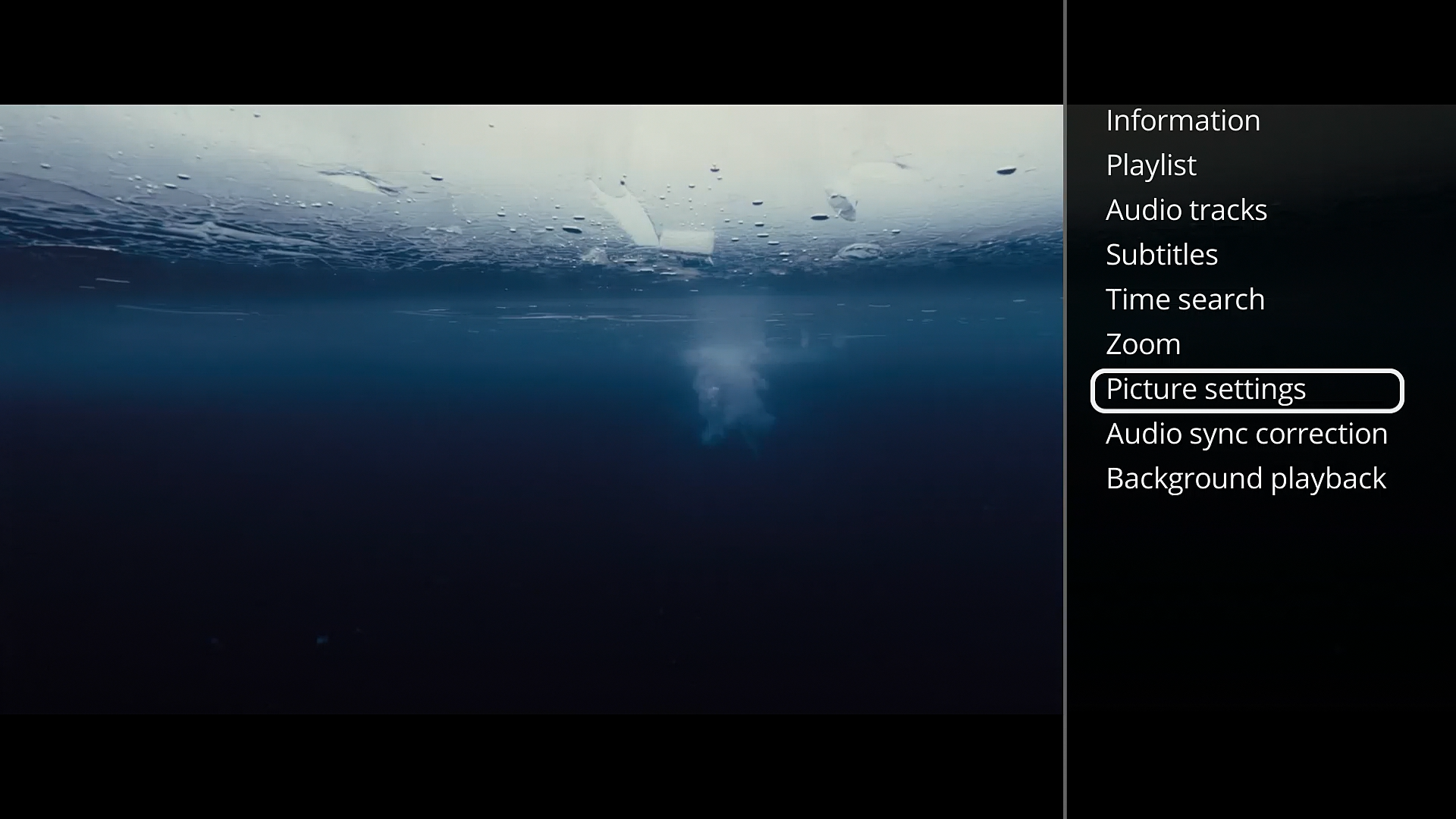
3. Scroll down to the “Picture Settings” option using the Down Arrow on the R_volution remote control, then press the OK button to confirm. 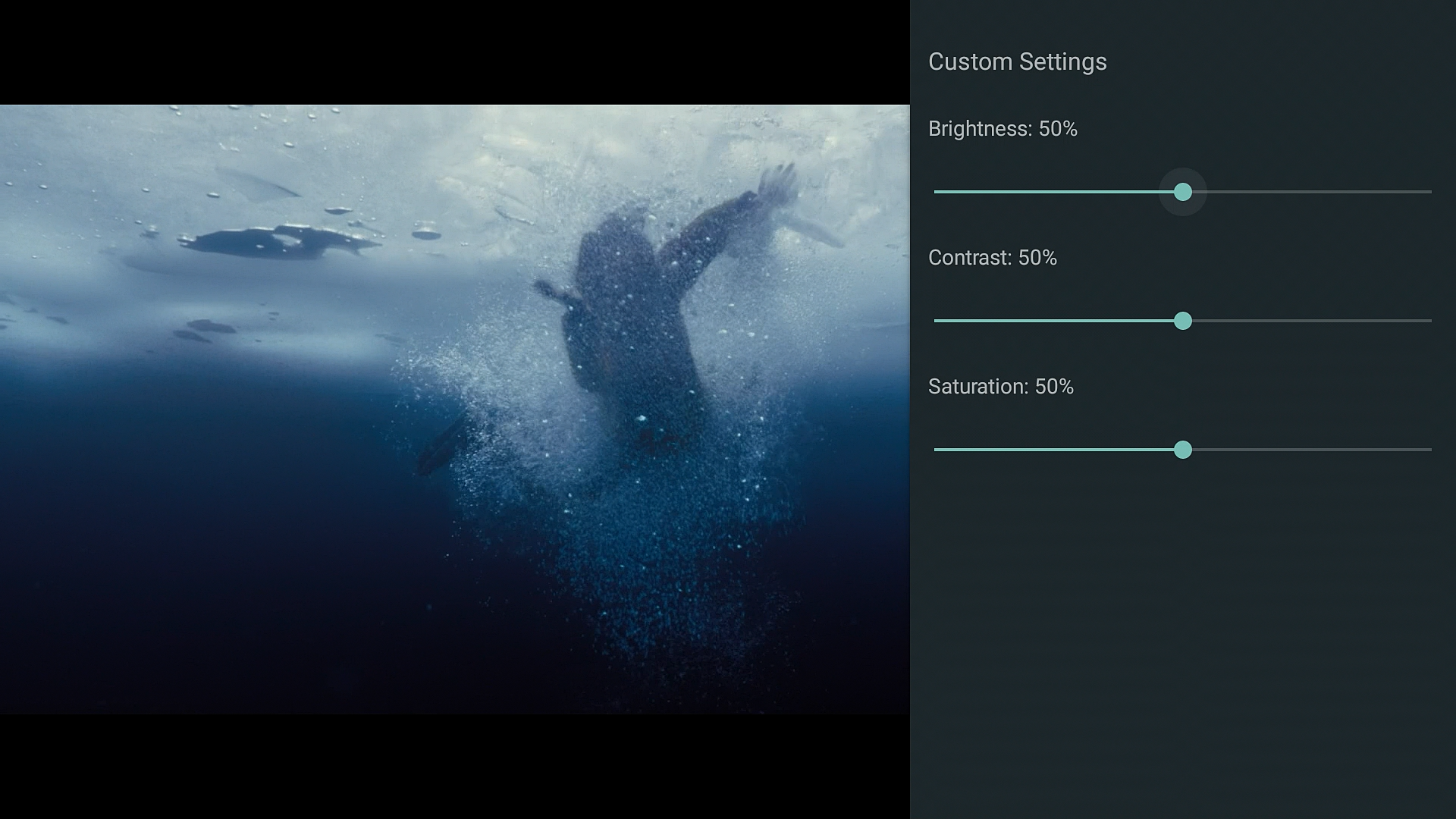
4. The picture settings will appear.
To move from one setting to another, use the Up/Down Arrow buttons on the remote control.
To increase a value, press the Right Arrow button. To decrease a value, press the Left Arrow button.
The default value is 50%.
Was this article helpful?
That’s Great!
Thank you for your feedback
Sorry! We couldn't be helpful
Thank you for your feedback
Feedback sent
We appreciate your effort and will try to fix the article