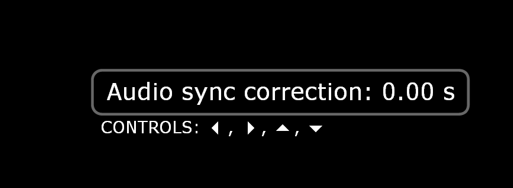
The R_volution offers a new feature to adjust the audio / video sync forwards and backwards.
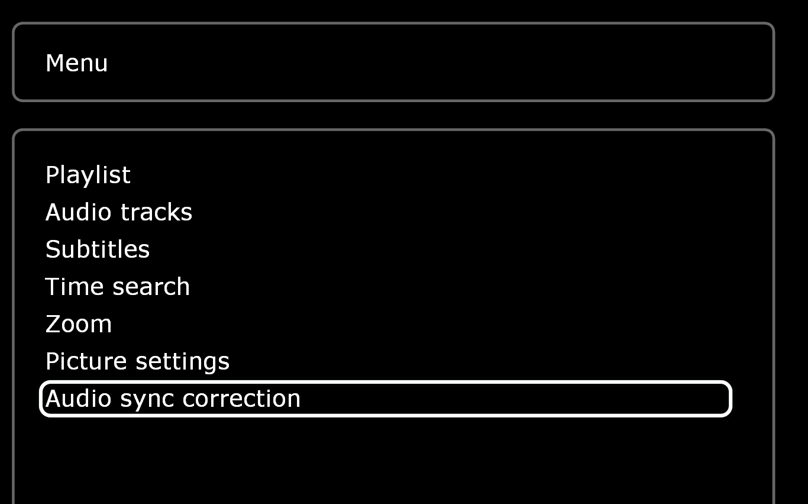
To Sync Audio/Video during the video playback press the "Menu" button on your remote then you will be able to adjust Audio/Video Sync.
NOTE: When using a Blu‑ray with a menu, press and hold the OK button on the remote, then select the icon with 3 dots on the screen to access the audio/video options.
Was this article helpful?
That’s Great!
Thank you for your feedback
Sorry! We couldn't be helpful
Thank you for your feedback
Feedback sent
We appreciate your effort and will try to fix the article