To change the email address associated with your R_volution account, follow these steps:
Click the “Options” button if you are using a computer, or press the MENU button on your R_volution remote control to display the menu.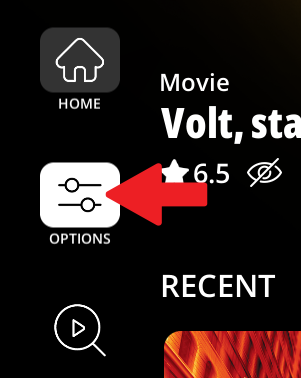
Then go to the “Collection” column and click “Configuration”.
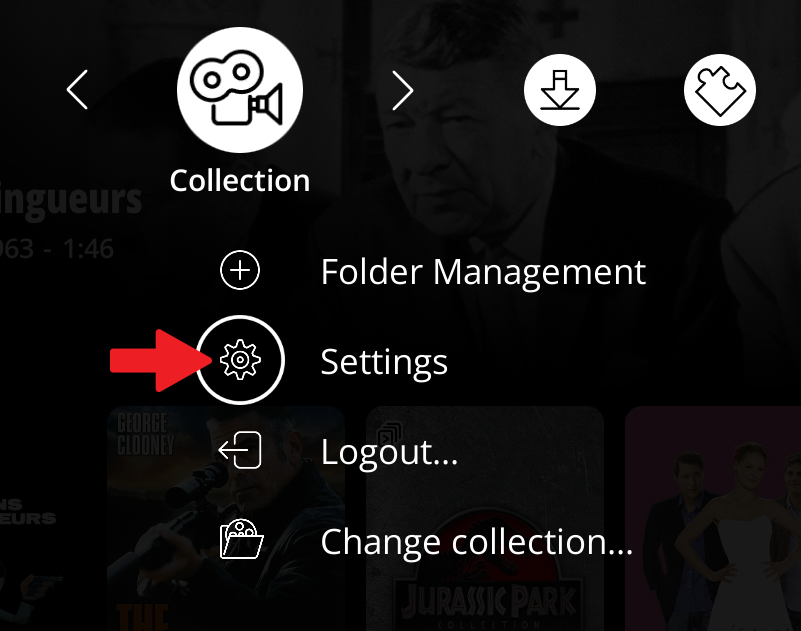
Then move the cursor down to the last button in the left column, the one with the character and gear icons, using the DOWN arrow on the remote. Press OK on your remote to select it (or click it with your mouse if you are using a computer).

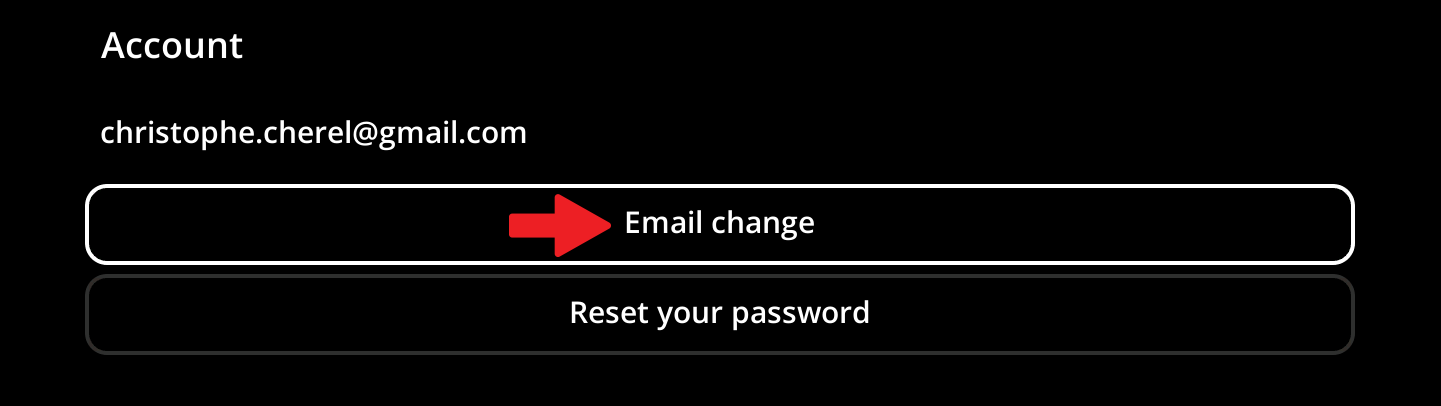
Then click the “Change Email” button.
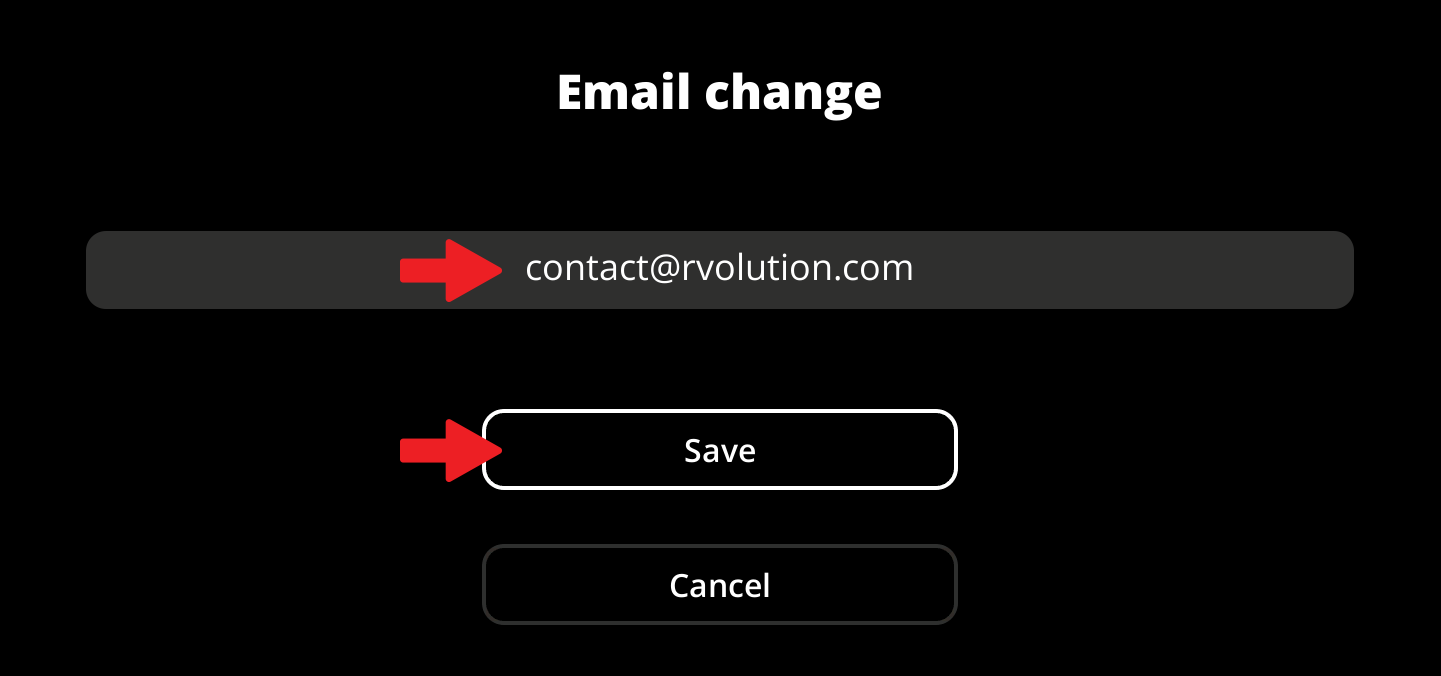
Enter your new email address and click the “Save” button.
Was this article helpful?
That’s Great!
Thank you for your feedback
Sorry! We couldn't be helpful
Thank you for your feedback
Feedback sent
We appreciate your effort and will try to fix the article