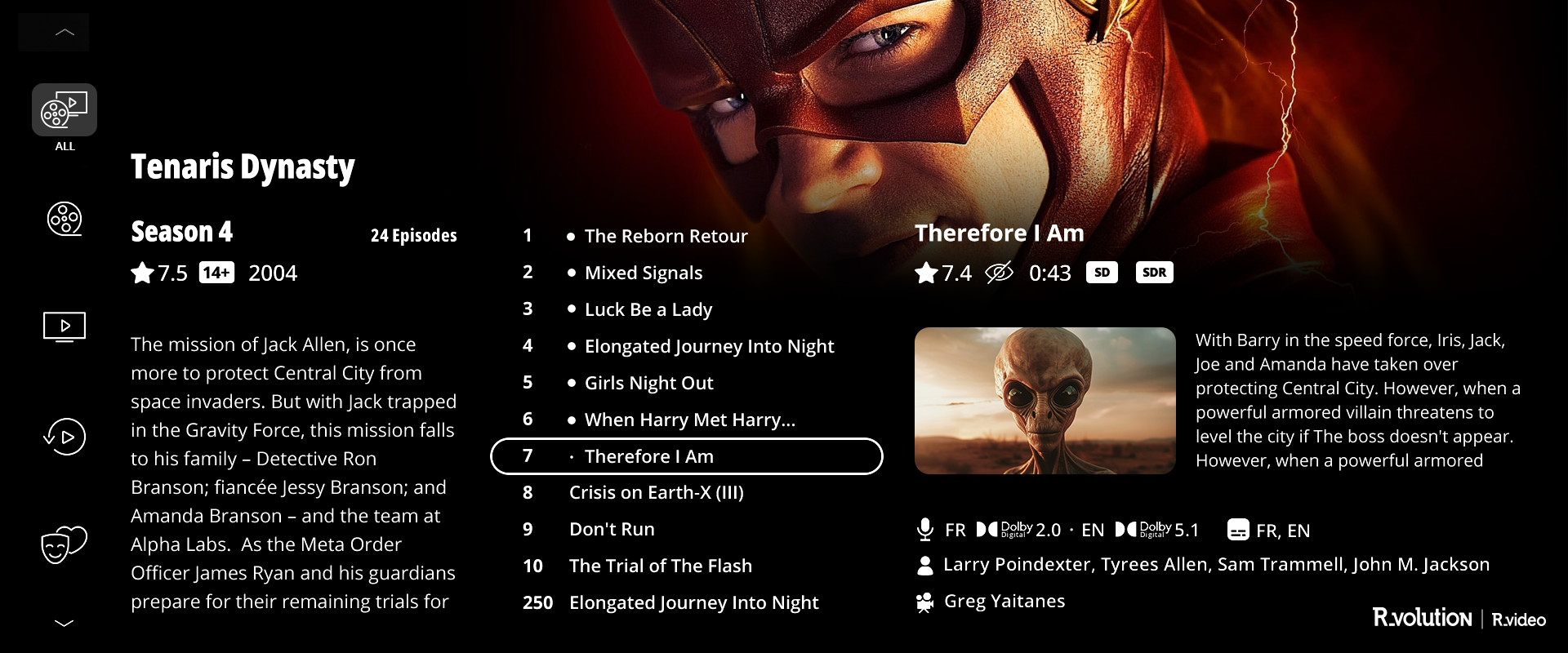
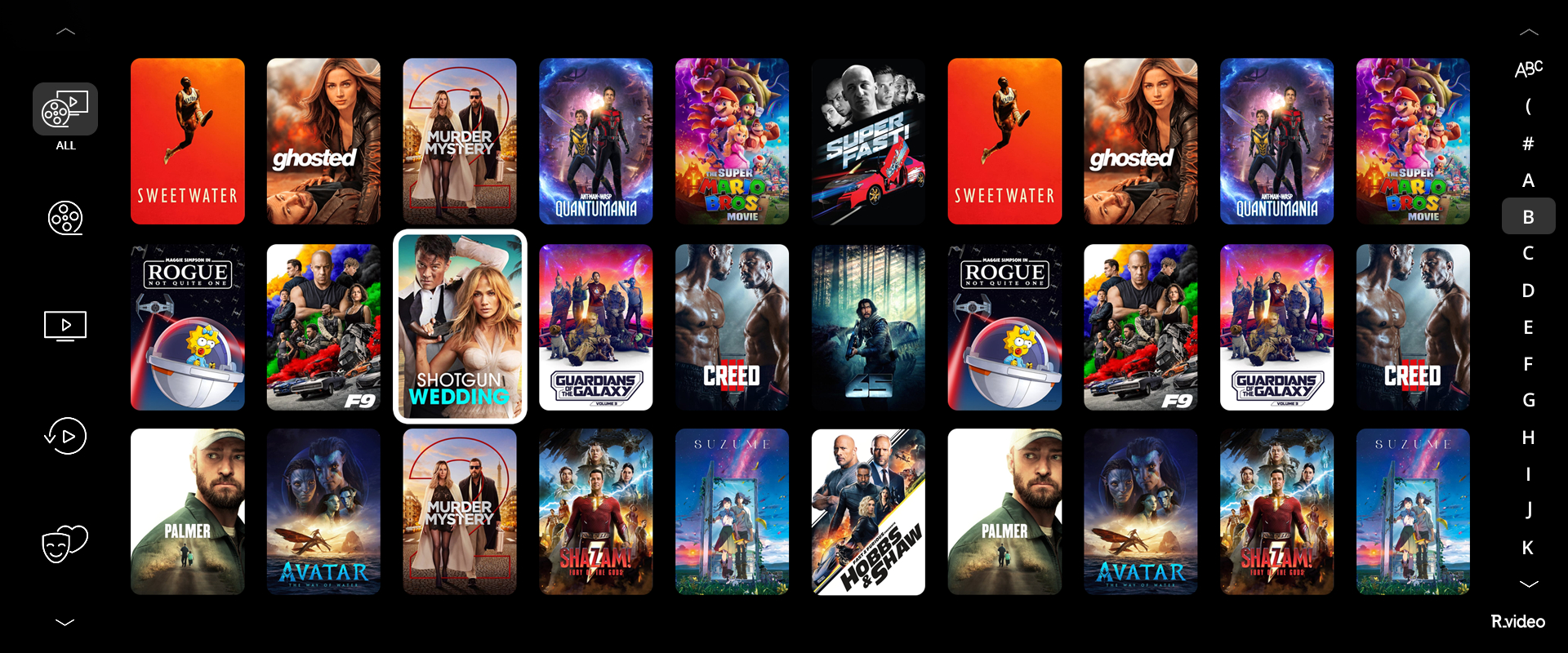
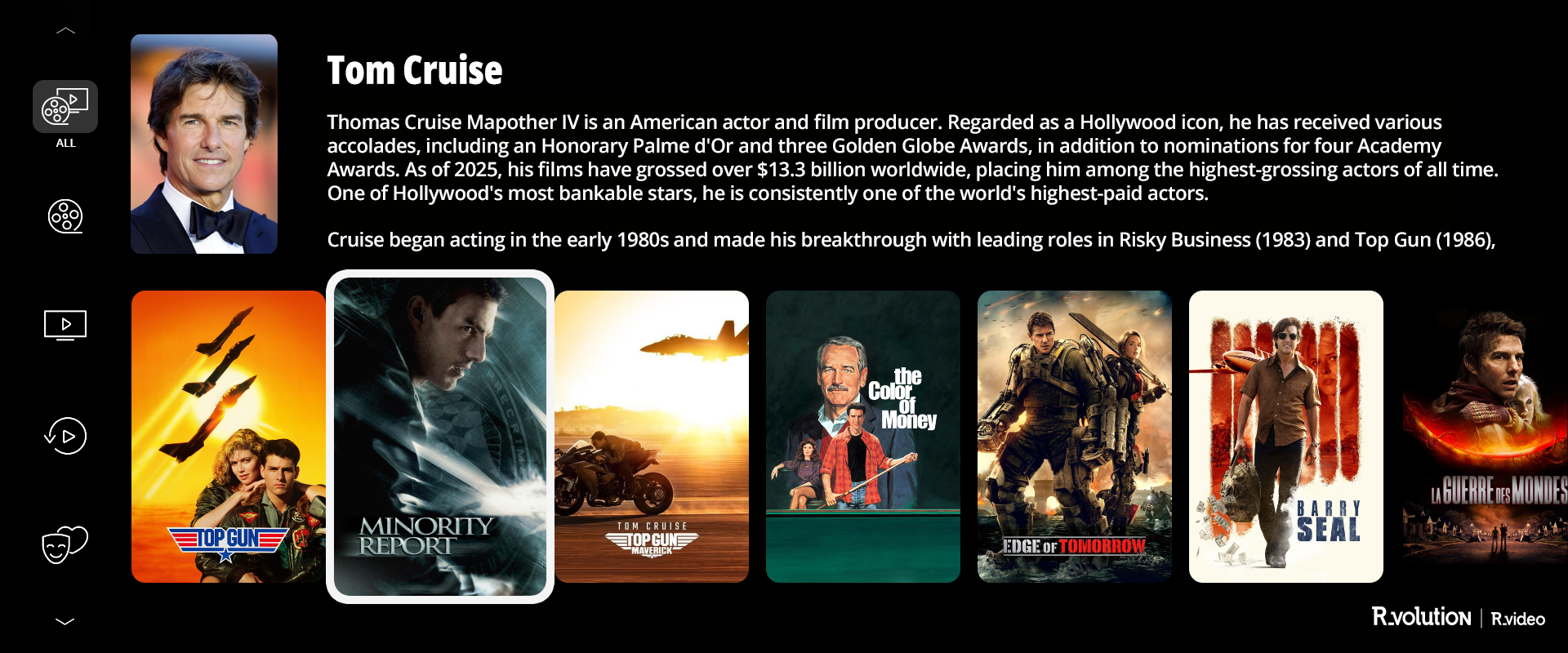
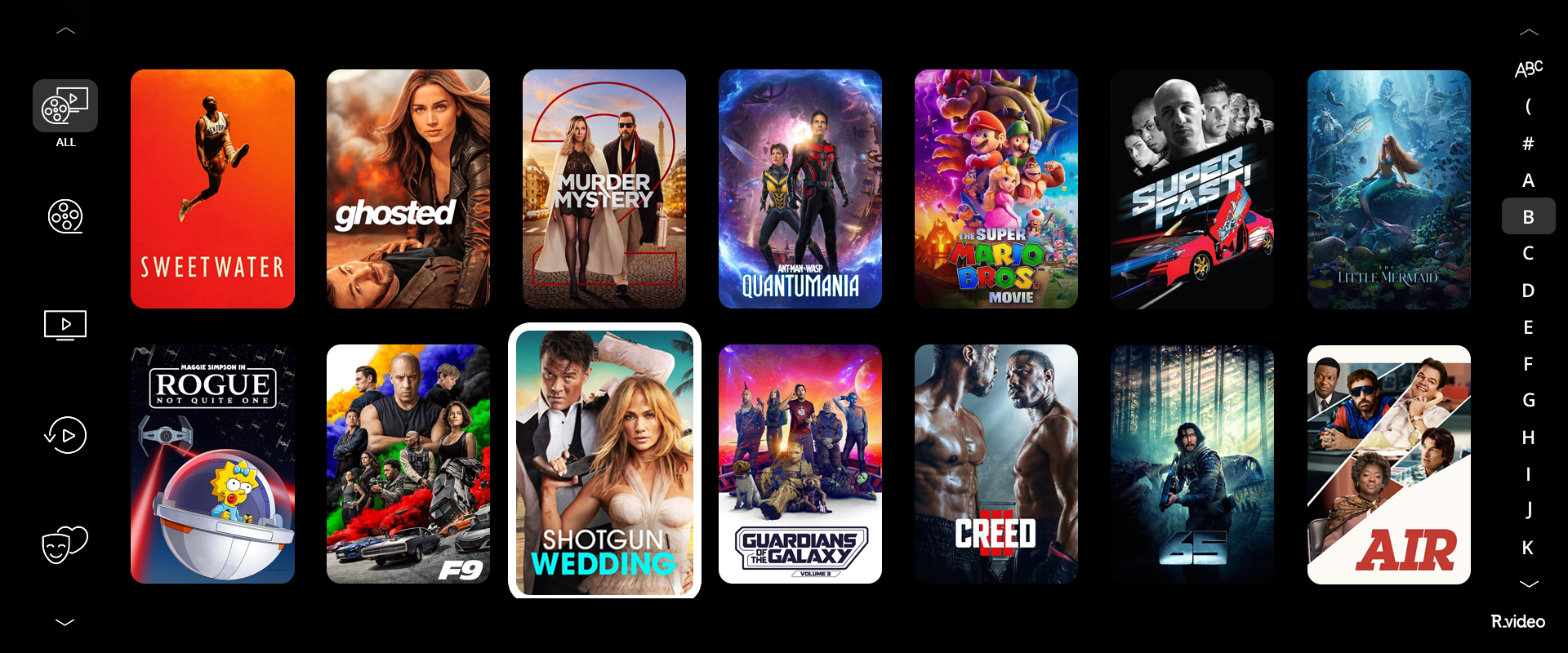
Since December 2025, the R_video interface has been compatible with Widescreen aspect ratio screens (2.35:1 / 2.39:1 / 2.40:1). R_video offers 2-line and 3-line modes adapted for widescreen displays.
To access these modes, go to:
Menu > Configuration > First tab > Number of poster lines > Two lines 2.39:1 or Three lines 2.39:1.
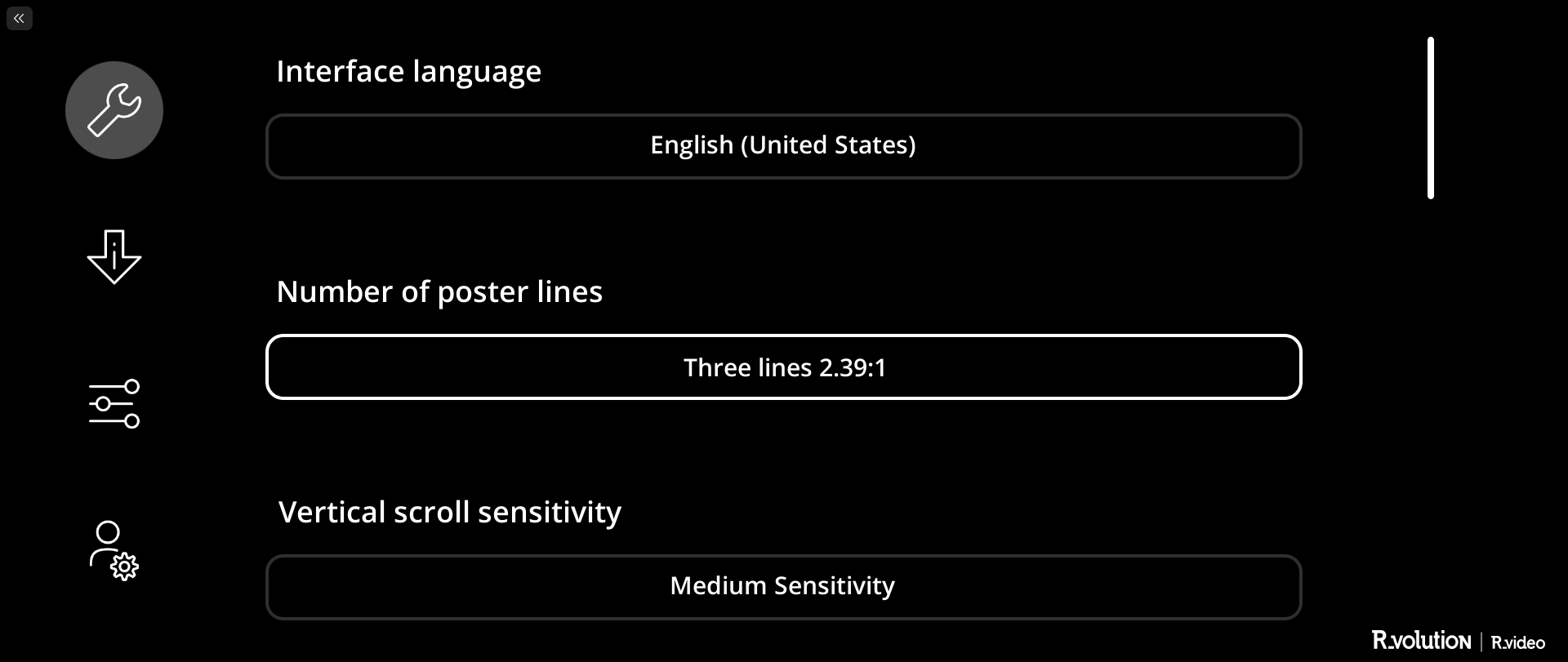
This will allow you to enjoy the display of your list of movie and series posters in Widescreen ratio (2.35:1 / 2.39:1 / 2.40:1).
Was this article helpful?
That’s Great!
Thank you for your feedback
Sorry! We couldn't be helpful
Thank you for your feedback
Feedback sent
We appreciate your effort and will try to fix the article